Hardware
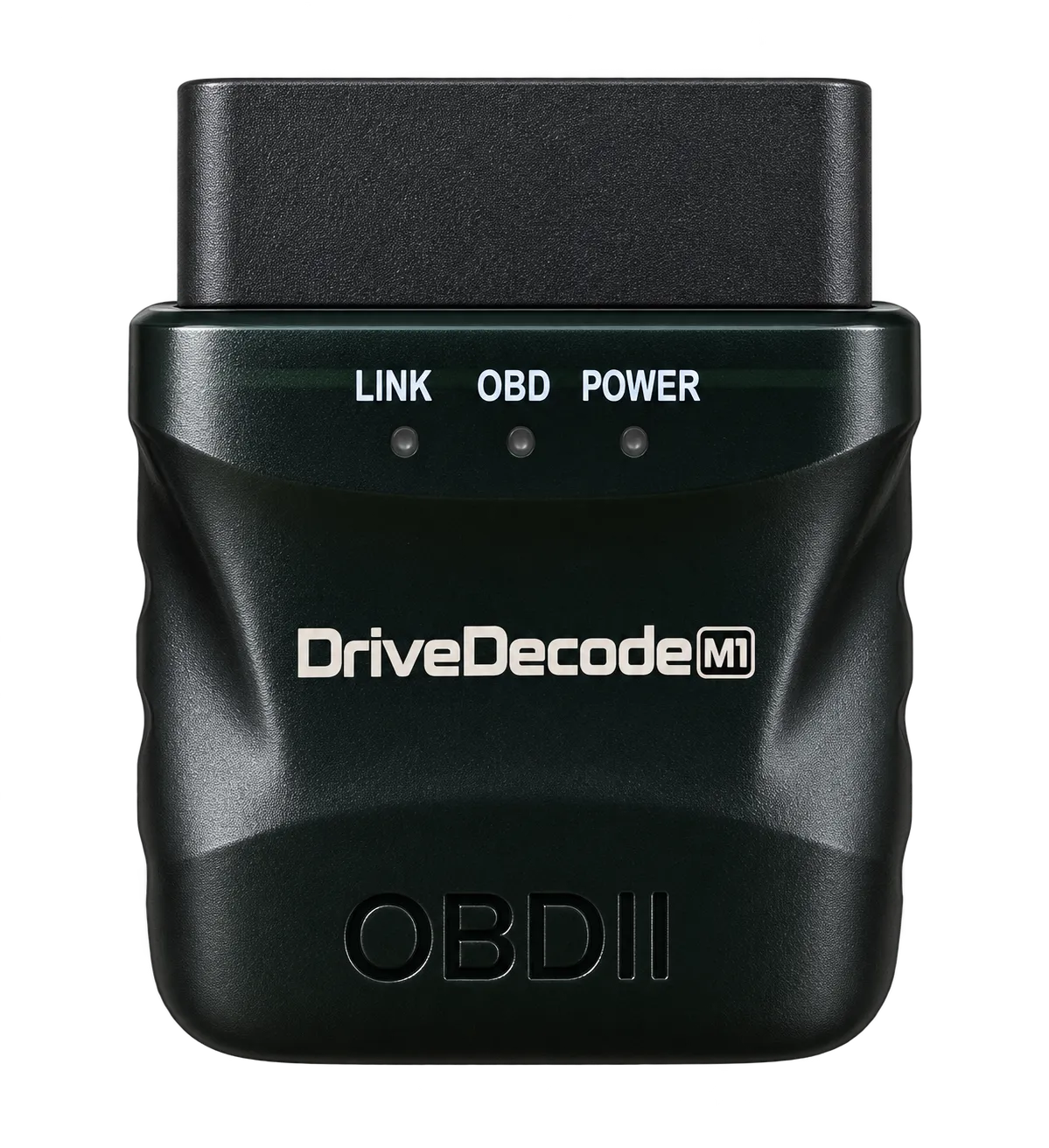
DriveDecode M1 Bluetooth OBD-II adapter
The adapter that talks to DriveDecode.
The M1 is the adapter the DriveDecode line is built on, and the one that reads every OBD-II vehicle sold in the US since 1996. Later hardware carries on from there, as M2 and so on, and DriveDecode works with every one of them. There is also the Go, a cheaper board that reads 2008-and-newer vehicles only.
Coming soon. Listings go live on eBay and Amazon first
What it reads, and what it does not
A DriveDecode adapter reads engine and emissions systems: the powertrain and emissions codes the OBD-II standard requires on every US vehicle it covers. It does not read ABS, airbag (SRS), TPMS or transmission-specific manufacturer codes. Those need make-specific decoding that generic OBD-II hardware cannot do.
This is the honest limit of every generic OBD-II adapter, not a shortcoming of this one. We would rather say it here than have you find out in the driveway.
Specifications
| Model | M1, the spec-compliant DriveDecode adapter |
|---|---|
| Vehicle coverage | 1996 and newer US-market cars and light trucks |
| Protocols | ISO 9141-2, ISO 14230-4 (KWP2000), ISO 15765-4 (CAN), SAE J1850 PWM, SAE J1850 VPW |
| Connection | Bluetooth 4.1 dual-mode. DriveDecode connects over Bluetooth LE |
| Port | Standard 16-pin SAE J1962 (OBD-II) |
| Power | Drawn from the OBD-II port, 12V |
| Works with | DriveDecode on iOS 15+ and Android 8+ |
In the box
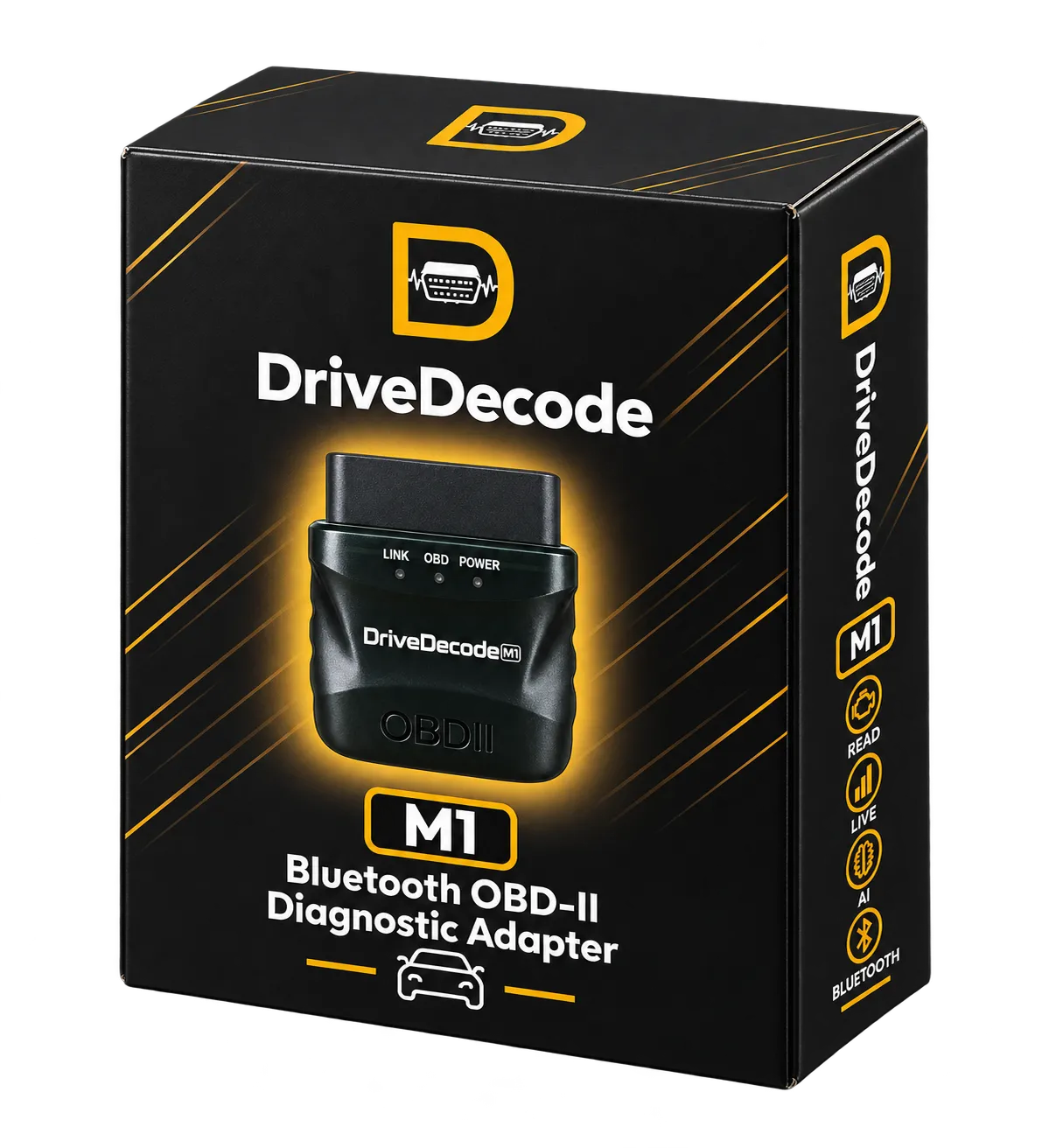
- DriveDecode M1 Bluetooth OBD-II adapter
- Quick start card
- 6 months of DriveDecode Pro, redeemed in the app with your order number
Getting started
- Install DriveDecode on your phone.
- Plug the M1 into the OBD-II port, usually under the dash on the driver's side.
- Turn the ignition to on. The engine does not need to be running.
- Open the app, tap scan for adapter, and pick yours from the list.
Read the full M1 manual, which covers every screen in the app and what to do when something does not connect.
Will it work on my car?
If your car was sold new in the United States in 1996 or later, it has an OBD-II port and the M1 will talk to it. That covers gasoline cars and light trucks, plus US diesels from 2008 on. Heavy trucks using J1939, motorcycles, and pre-1996 vehicles are outside the standard and are not supported.
Not sure where the port is? It is a 16-pin trapezoid within about 18 inches of the steering wheel: under the dash, above the pedals, or behind a small panel near the fuse box.
If every vehicle you plan to scan is a 2008 model year or newer, the DriveDecode Go covers those for less. Anything older than 2008, or anything with two wheels, needs the M1.